Writing a Google Business Profile description is easier when you know exactly what information customers need. The challenge is turning your services, business strengths, and other important details into a short description that sounds natural. An AI-powered GBP Description Generator can help create the first draft, but getting a useful result still depends on the information you provide and how carefully you review the generated content.
Using AI for a Google Business description should not mean asking a tool to “write something about my business” and publishing whatever appears. A better approach is to give the AI accurate business information, use the generated description as a starting point, and then improve it with real business knowledge.
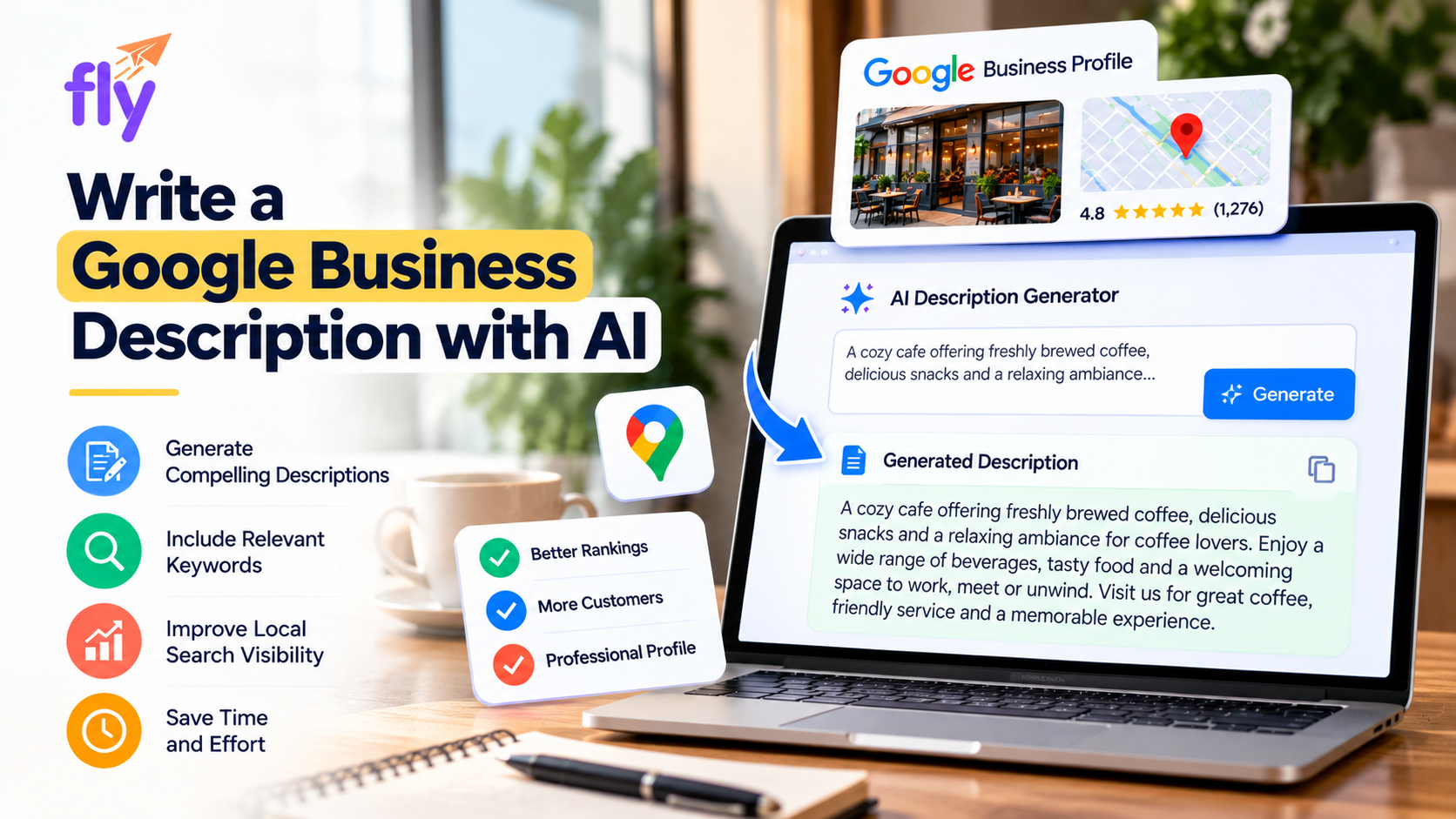
What Is a Google Business Description?
A Google Business description is the section of a Google Business Profile where a company can explain what it does and provide useful information to potential customers.
Google allows up to 750 characters for this description.
Within that space, businesses can explain their main products or services, what makes the business distinctive, its history where relevant, and other information that helps customers understand the company.
The description should be informative rather than heavily promotional.
Someone reading it should quickly understand what the business offers without having to work through unnecessary marketing language.
Why Use AI to Write a Business Description?
AI is useful because many business owners know what they want to say but struggle with how to say it.
They may have several services, different customer needs, years of business knowledge, and many possible details to include. Deciding which information belongs in a short description can take time.
An AI tool helps organize that information into a first draft.
It can also help reduce repetitive sentences, improve the overall flow, and create content suited to the limited space available on a Business Profile.
The business owner still makes the final decisions. AI simply makes the first stage of writing more manageable.
Start With Accurate Information About Your Business
Before generating anything, identify the information that actually describes the business.
Consider a fictional company called PureGlow Skin Studio.
Instead of asking AI to write a description using only the business name, it is better to provide useful details about what PureGlow actually offers.
The business may provide facial treatments, skin consultations, acne care, and other professional skincare services. It may focus on personalized treatment recommendations and helping customers understand their skincare needs.
These details give the AI real information to work with.
The more specific the business information is, the less the generator needs to rely on generic marketing language.
Decide Which Services Matter Most
A Google Business description does not need to contain every service a business provides.
The character limit makes prioritization important.
If PureGlow Skin Studio provides 20 different treatments, listing all of them could make the description crowded and difficult to read.
Instead, the business can focus on its main service categories and use the rest of the Business Profile or website to provide more detailed information.
This creates a clearer description and gives customers a faster understanding of what the business is about.
When preparing information for an AI tool, think about what a new customer would most need to know rather than trying to include every possible search term.
Use an AI Tool Designed for GBP Descriptions
A general AI writing tool can create business content, but a purpose-built GBP Description Generator has the advantage of being designed for this particular type of content.
Fly's GBP Description Generator creates a description with Google's 750-character limit in mind.
This reduces the need to generate a long company introduction and then spend time cutting it down.
For PureGlow Skin Studio, the tool can use the supplied business information to create a concise description explaining the main services and overall focus of the company.
The generated version is not necessarily the finished version. It provides a foundation that the business can improve.
Read the Generated Description Like a Customer
Once AI creates the description, do not publish it immediately.
Read it from the perspective of someone who has never heard of the business.
Does the opening sentence clearly explain what the company does?
Are the main services easy to understand?
Does the description contain unnecessary filler?
Does it sound natural?
Would a potential customer understand whether the business is relevant to their needs?
These questions are more useful than simply asking whether the content “sounds professional.”
Professional content should also be clear.
If the description contains complicated sentences or vague marketing phrases, simplify them.
Remove Generic AI Language
One of the most common weaknesses of AI-generated business content is generic wording.
AI may produce sentences such as:
“Experience exceptional services designed around your needs.”
Or:
“We are committed to providing high-quality solutions and outstanding customer satisfaction.”
These phrases sound polished, but they provide very little real information.
For PureGlow Skin Studio, it would be more useful to explain that the business provides facial treatments, skin consultations, and personalized skincare support.
Specific business details are usually more valuable than broad promotional claims.
When editing an AI-generated description, replace generic language with information that could genuinely help a customer understand the business.
Check Every Service and Business Claim
AI tools can sometimes introduce information that was never provided.
For example, an AI-generated description might describe PureGlow Skin Studio as an award-winning company or claim that it has been operating for 20 years.
If those facts were never provided, they should not appear in the final description.
The same applies to products and services.
AI may occasionally assume that a business offers something simply because similar businesses commonly provide it.
Always check the generated content against the real business.
A Google Business Profile is public information, so accuracy is more important than making the description sound impressive.
Use Important Business Terms Naturally
Relevant products and services can be included in the description, but they should appear naturally.
A description should not read like:
“Skin care, facial treatment, skin treatment, acne treatment, facial services, skincare services…”
Even if those phrases are relevant, repeating similar terms reduces readability.
A better description explains the services within complete sentences.
The purpose is to communicate with customers first.
AI can help create natural sentences, but users should still remove unnecessary repetition from the final version.
Don't Ask AI to Make Unsupported Claims
Prompts such as “make us sound like the best company” can lead to exaggerated content.
AI may respond with claims such as “leading,” “number one,” “top-rated,” or “best” without evidence.
These statements are rarely necessary for a useful Google Business description.
Real information is stronger.
Explain what the company does, its genuine strengths, and what customers can expect.
If a business has a specific achievement, certification, or history that is relevant and accurate, it can be considered. Unsupported superlatives should be avoided.
Follow Google's Business Description Requirements
Using AI does not change Google's requirements for Business Profile descriptions.
The content should focus on useful information about the business.
Google does not allow links or HTML in the description field and advises businesses not to focus the description on promotions, prices, offers, or sales.
The maximum length is 750 characters.
AI can make it easier to create content within these limits, but the person publishing the description remains responsible for ensuring that the final version is appropriate.
Don't Write Only for Search Engines
It can be tempting to ask AI to add as many SEO keywords as possible.
That is not the best use of a business description.
Google explains that local results are primarily based on relevance, distance, and prominence. A keyword-heavy description should not be treated as a shortcut to better Google Maps rankings.
The description should primarily help potential customers understand the business.
Relevant services and products can appear naturally because they are part of explaining what the business does.
There is no need to force the same keyword into multiple sentences.
Use AI Alongside Other Business Profile Tools
Creating a description is only one part of managing a Google Business Profile.
Businesses may also need to check profile completeness, analyze reviews, understand local rankings, review website SEO, or create other marketing content.
The GBP Description Generator is available alongside other Local SEO and marketing tools that address different parts of online business visibility.
Using different tools for different needs provides a more complete approach than expecting a description generator alone to solve every Business Profile challenge.
For example, a business may use one tool to create its description and another to identify areas of its profile that need attention.
AI Business Description Writing Is Becoming More Common
AI-assisted business content is no longer limited to specialist marketing software.
Businesses increasingly use AI for social media posts, review responses, website copy, product information, and profile descriptions.
Google has also introduced AI-powered Business Profile description suggestions for eligible users in supported markets and languages.
This shows how AI is becoming part of everyday business content creation.
At the same time, Google advises businesses to review AI-generated descriptions for accuracy.
That is an important reminder that faster writing does not remove the need for human judgment.
Can Marketing Agencies Use AI Description Tools?
AI description tools can be particularly useful for marketing agencies managing multiple Google Business Profiles.
Instead of manually writing every description from the beginning, an agency can generate a first draft using accurate client information and then customize the content.
Each description should still reflect the individual business.
Businesses in the same industry should not automatically receive almost identical descriptions.
Supported Fly tools can also be embedded on websites, allowing agencies to provide interactive resources to visitors while supporting their wider lead-generation activities.
Frequently Asked Questions
Can AI write a Google Business Profile description?
Yes. AI can create a first draft based on business information, but the final description should be reviewed for accuracy and quality.
How long can a Google Business description be?
Google allows up to 750 characters in the Business Profile description field.
What information should I give the AI?
Provide accurate information about the business, its main products or services, genuine strengths, and other details customers may find useful.
Should I add SEO keywords to an AI-generated description?
Relevant business and service terms can be included naturally, but unnecessary keyword repetition should be avoided.
Can AI invent business information?
AI can sometimes introduce unsupported details or assumptions. This is why generated descriptions should always be fact-checked before publishing.
Can an AI-generated description improve Google Maps rankings?
A generated description does not guarantee higher rankings. It should primarily be used to communicate clear and useful information about the business.
Use AI to Support Better Business Writing
Writing a Google Business description with AI can save time, but speed should not be the only goal.
The quality of the final description depends on the information supplied to the tool and the care taken during editing.
Give the AI real business details. Focus on the services customers actually need to understand. Review every generated claim, remove generic language, and make sure the final description sounds like the real company.
Used this way, an AI tool becomes a practical writing assistant rather than an automatic content publisher.
It handles the difficult first draft while the business provides the accuracy, experience, and judgment needed to turn that draft into a useful Google Business Profile description.
Comments